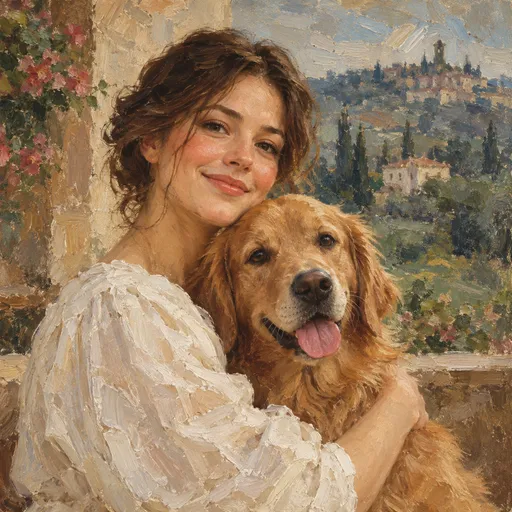
Painterly portrait
Create similarPainterly portrait
Create similar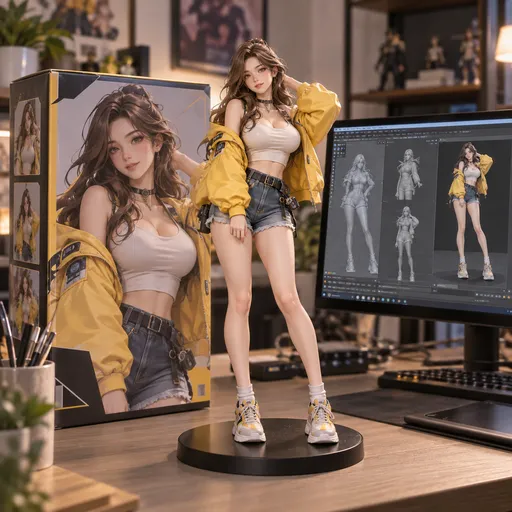
A miniature world
Create similar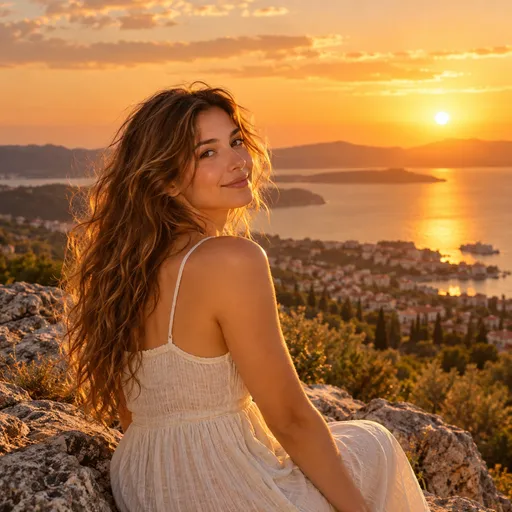
Golden hour
Create similar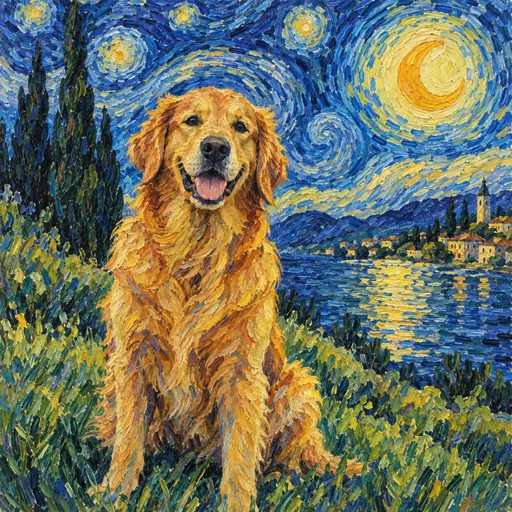
Starry companion
Create similar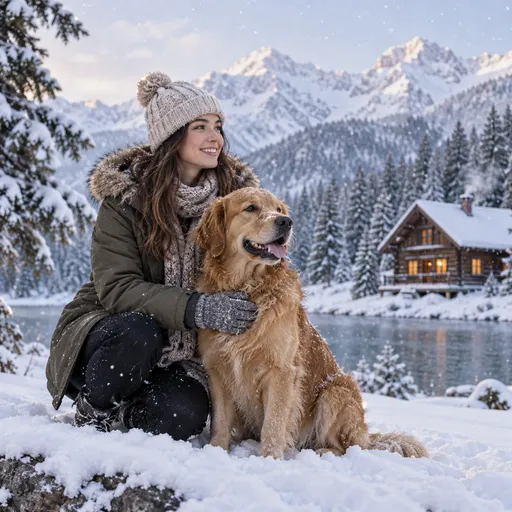
Winter escape
Create similar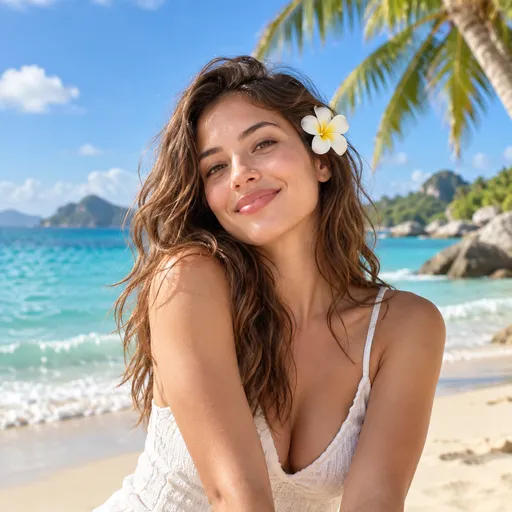
Island daydream
Create similar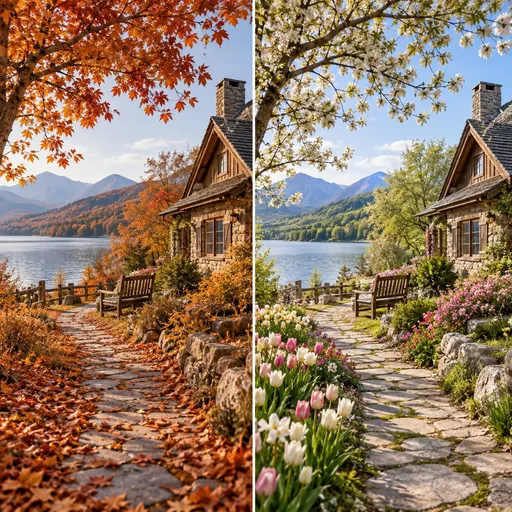
Changing seasons
Create similar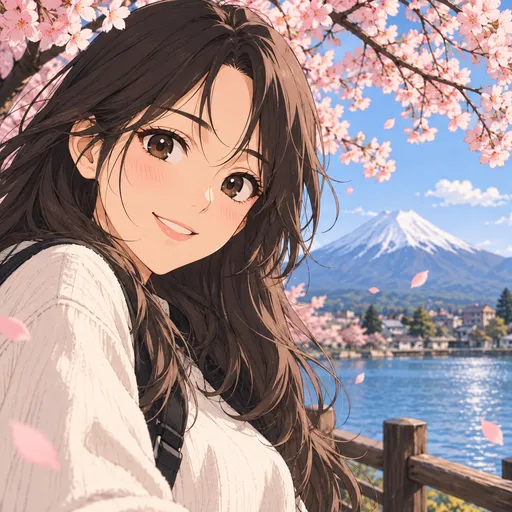
Illustrated stories
Create similar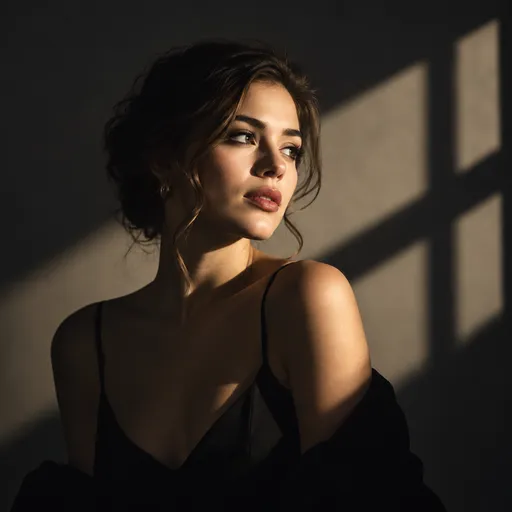
Light and shadow
Create similar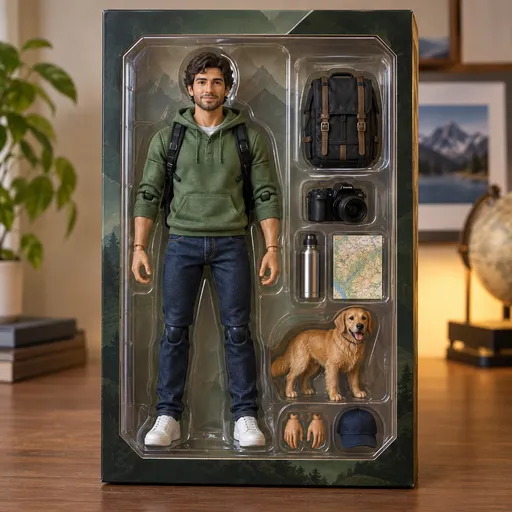
Collectible characters
Create similarNano Banana combines image generation and natural-language editing. Start with a prompt or upload a photo to change backgrounds, styles, outfits and lighting. Switch between Nano Banana, Nano Banana 2 and Nano Banana Pro in one workspace.
Start with a prompt to generate or edit images.
Combine reference images and prompts for portraits, products and illustrations.
Explore the Pro model and its output settings in one workspace.
Bring a scene to life with the integrated VEO video model.
Three steps from your idea to a finished image.
Select a Nano Banana model and review its output settings.
Write a prompt or upload references and describe your changes.
Check the credit cost, generate, preview and download your result.
What to know before your first creation.
Generate images from text, edit reference photos or create clips with an integrated video model.
Switch models in the generator. Compare the available settings and check the credit cost before generating.
Free allowances and limits depend on the model, account and current offer. Check the generator, your balance and the Pricing page.
You can browse and prepare prompts first. Submitting may require signing in or adding credits, depending on your account and model.
The model determines the number, size and format of references. Video tools also support starting and ending frames where available.
Open generation settings to see the aspect ratios and resolutions supported by the selected model.
No. Detail pages state availability. The generator lists only integrated models.
Preview and download results in the Create workspace. Open My Assets to find saved creations.