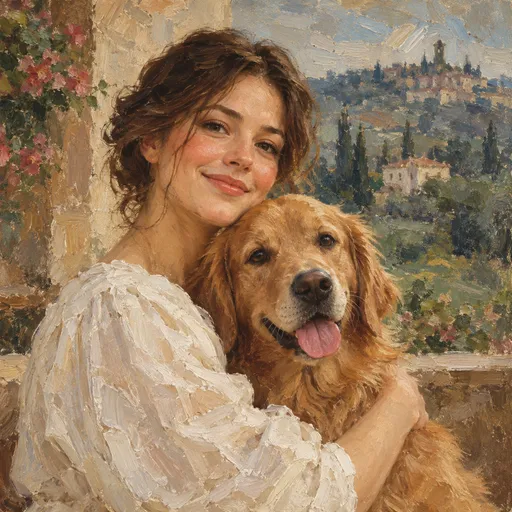
Resim tarzı portre
Benzerini oluşturCreate new visuals from words and references with Nano Banana and GPT Image.
Use the plus button in the composer to add your reference image.
Resim tarzı portre
Benzerini oluştur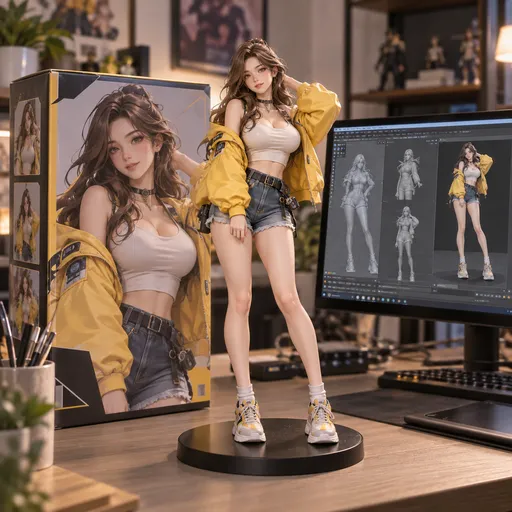
Minyatür bir dünya
Benzerini oluştur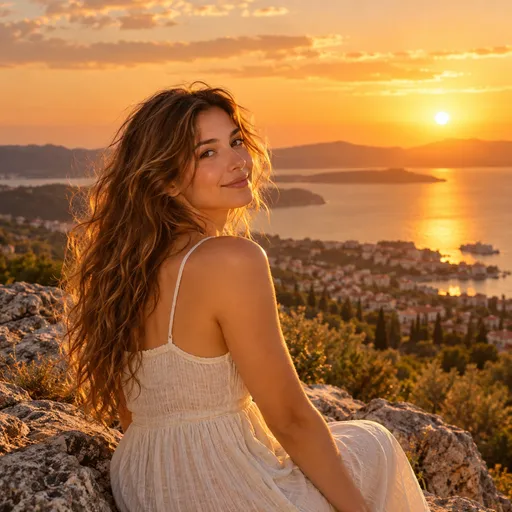
Altın saat
Benzerini oluştur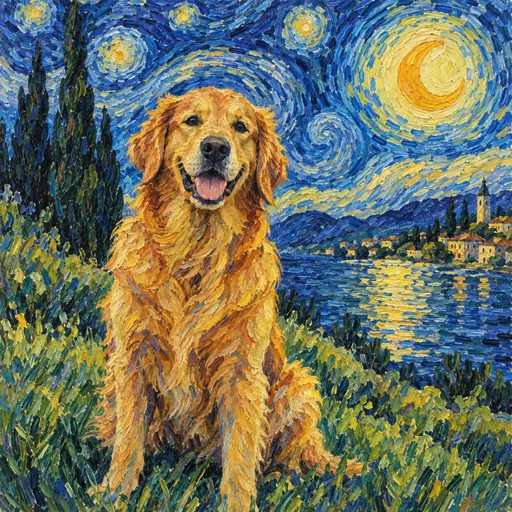
Yıldızlı dost
Benzerini oluştur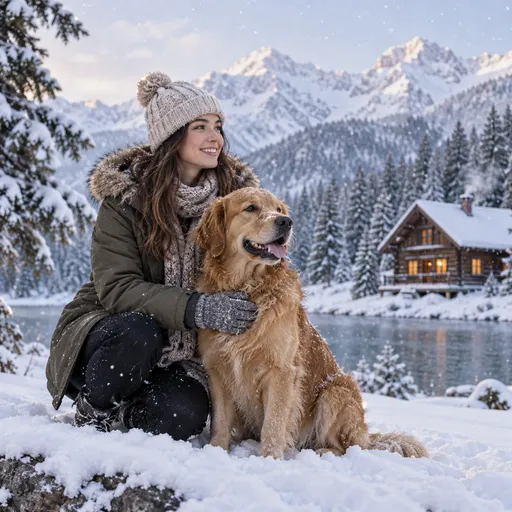
Kış kaçamağı
Benzerini oluştur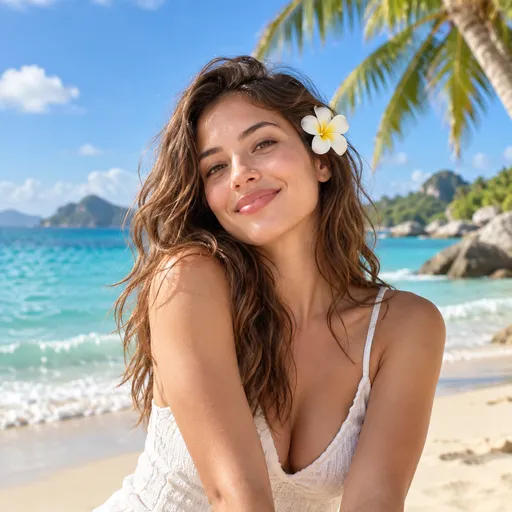
Ada hayali
Benzerini oluştur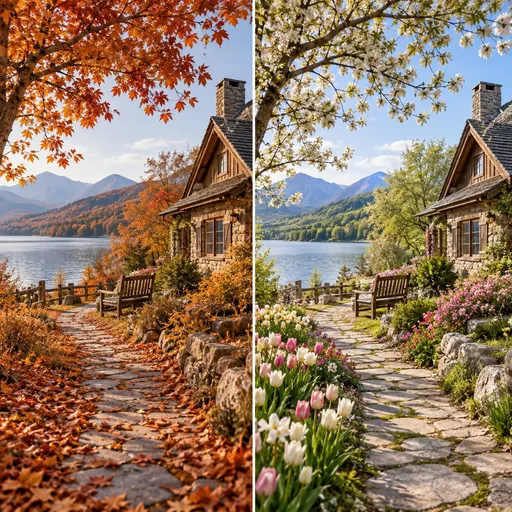
Değişen mevsimler
Benzerini oluştur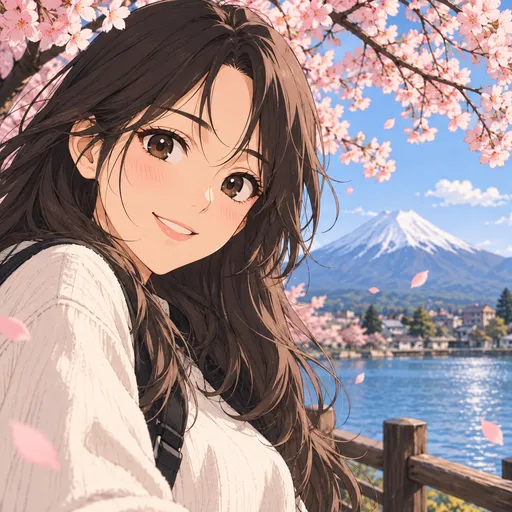
Resimli hikâyeler
Benzerini oluştur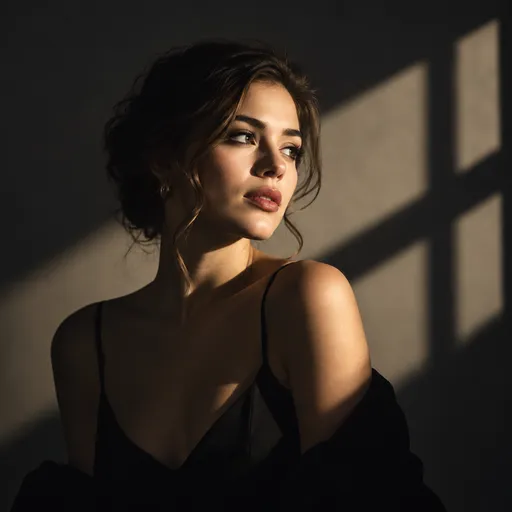
Işık ve gölge
Benzerini oluştur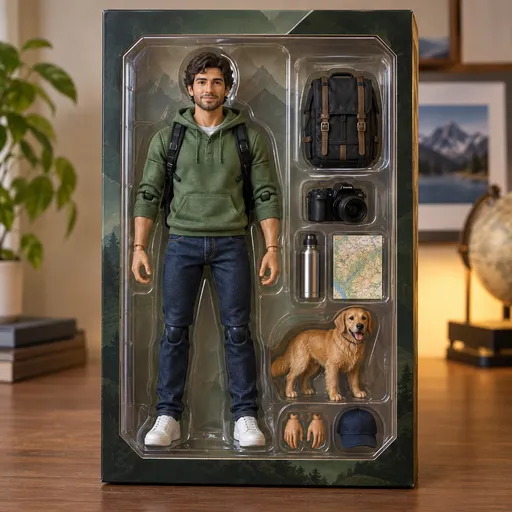
Koleksiyon figürleri
Benzerini oluşturUse a clear reference image as the starting point.
Select a model, framing and quality, then review the credits.
Inspect the result, adjust the prompt and explore another variation.
Everything to know before your first creation.
Generate images from text, edit reference photos, or create clips using an integrated video model. The directory groups tools by image, video and audio, with availability stated on each page.
Switch models in the composer and compare their available settings. Review the displayed credit cost before submitting your task.
Free allowances and limits depend on the model, account and current offer. Check the composer, your account balance and the Pricing page for the applicable terms.
You can browse inspiration and prepare a prompt first. When submitting, the service checks the selected model and your account and may ask you to sign in or add credits.
The selected model determines the file count, size and formats. The video workspace can also accept starting and ending frames.
Open Generation settings for the aspect ratios and resolutions supported by your selected model. Available options vary by model.
No. Each detail page states its availability. Only integrated models appear in the actual generation menu.
Preview and download a completed result in the workspace. Sign in and open My assets to find saved creations.